

Back to page 1: verified launch facts and preparation
A Creator's Plan: Preparing for the Game's Release
As a creator, preparing for GTA VI's release requires more than just staying informed about the latest rumors. It's essential to develop a clear plan that separates verified facts from opinion. Start by identifying your goals and what you want to achieve with your content. What kind of content will you be creating? Will it be reviews, walkthroughs, or analysis? Knowing your focus will help you create a more focused and effective plan. Consider your target audience and the type of content they'll engage with. For example, if you're planning to create a review series, think about how you'll structure your content and what kind of feedback you'll be looking for.
Draft a short outline before launch: the question you are answering, the facts you can support and what you still need to test yourself. A preparation guide can be useful before release; a firsthand review needs actual firsthand experience. Label hypothetical examples as hypothetical. Keep a place in your notes for the source URL and check date of each changing fact. If you later discover that a sentence was wrong or the official information changed, update it clearly rather than leaving a confident old headline beside contradictory details.
Permission to view or download artwork is not automatically permission to use it commercially. Rockstar's general posting policy describes noncommercial fan use; its official media download page should not be treated as an unrestricted license for promoting a business. This article instead uses independently licensed equipment photographs with named creators, sources and licenses. If you prepare your own promotional material, check the rights for each asset and retain the required credit. Do not use leaked material, fake early access or official-looking branding that suggests an affiliation you do not have.

A Practical Evening Checklist
Use a practical evening order: verify the account and edition first, check available space and the download second, and prepare your controller and audio third. This keeps an equipment test from distracting you from an unresolved entitlement or download problem. Write down the unresolved item if one appears. A specific question such as whether the order belongs to the signed-in account is easier to troubleshoot than a vague conclusion that everything is broken. Recheck the relevant official help page before trying a solution that removes data or costs more money.
Then do the small readiness checks you can observe directly. Is the controller charged? Is the console connected to power as its manufacturer recommends? Can you hear your private test recording clearly? Is your planned recording destination available without risking existing files? These checks do not establish GTA VI accessory compatibility, and they are not a reason to buy new equipment without evidence. Keep the setup simple. A successful private test is useful evidence about that test, not proof that every launch-night service or live-stream feature will work.
Finally, choose a realistic stopping point for preparation. You can finish a script, check your account and organize sources without promising an immediate stream, a flawless launch or a viral post. If a download is still pending, record that fact and return to its progress screen instead of repeatedly changing unrelated settings. For a creator, a concise, accurate update is more useful than an elaborate post assembled from rumors. Avoid presenting the same checklist as many near-duplicate pages just to fill a publishing schedule.

Measuring Useful Interest Without Hype
Measuring useful interest without hype is crucial when creating content around a highly anticipated event like GTA 6's launch. To avoid chasing rumors and ensure your audience receives accurate information, consider using consent-aware measurement tools. These tools allow you to track engagement metrics such as page visits, reading time, and link clicks without introducing covert tracking or unsolicited bulk outreach. For example, Influx readers can use their existing website analytics to measure the success of their content. By focusing on verifiable data rather than promised results, creators can build trust with their audience and maintain a professional tone.
Keep the numbers separate. A page visit is not a qualified lead, an inquiry is not a sale, and an issued invoice is not settled revenue. For example, a creator might observe more checklist visits and more clicks to an official source, but that alone does not prove customer demand or income. Report the measurement period, the actual event counted and any missing data. If an inquiry later becomes a verified business opportunity, describe the evidence for that change rather than silently relabeling all earlier engagement as sales activity.
Reach, rankings, comments and shares can be useful observations, but none alone establishes business value. Compare each metric with the purpose of the page: did readers find the answer, follow the appropriate source or take a genuinely relevant next step? Use measurement that respects consent and the audience's expectations. Do not turn a game trend into unsolicited bulk outreach or covert tracking. For Influx readers, the useful lesson is to answer a real question clearly and measure honestly. A trend can create attention; it does not guarantee viral reach, rankings, affiliate earnings or revenue.
Sources and further reading
- Rockstar: GTA VI official page
- Rockstar Support: regional pre-load and release times
- Rockstar Support: pre-load FAQ
- Rockstar Support: platform editions and versions
- Rockstar Support: posting copyrighted material policy
- Influx Entrepreneur
Explore Influx Entrepreneur
Find more resources for building your digital presence.
Photograph credits and usage notes
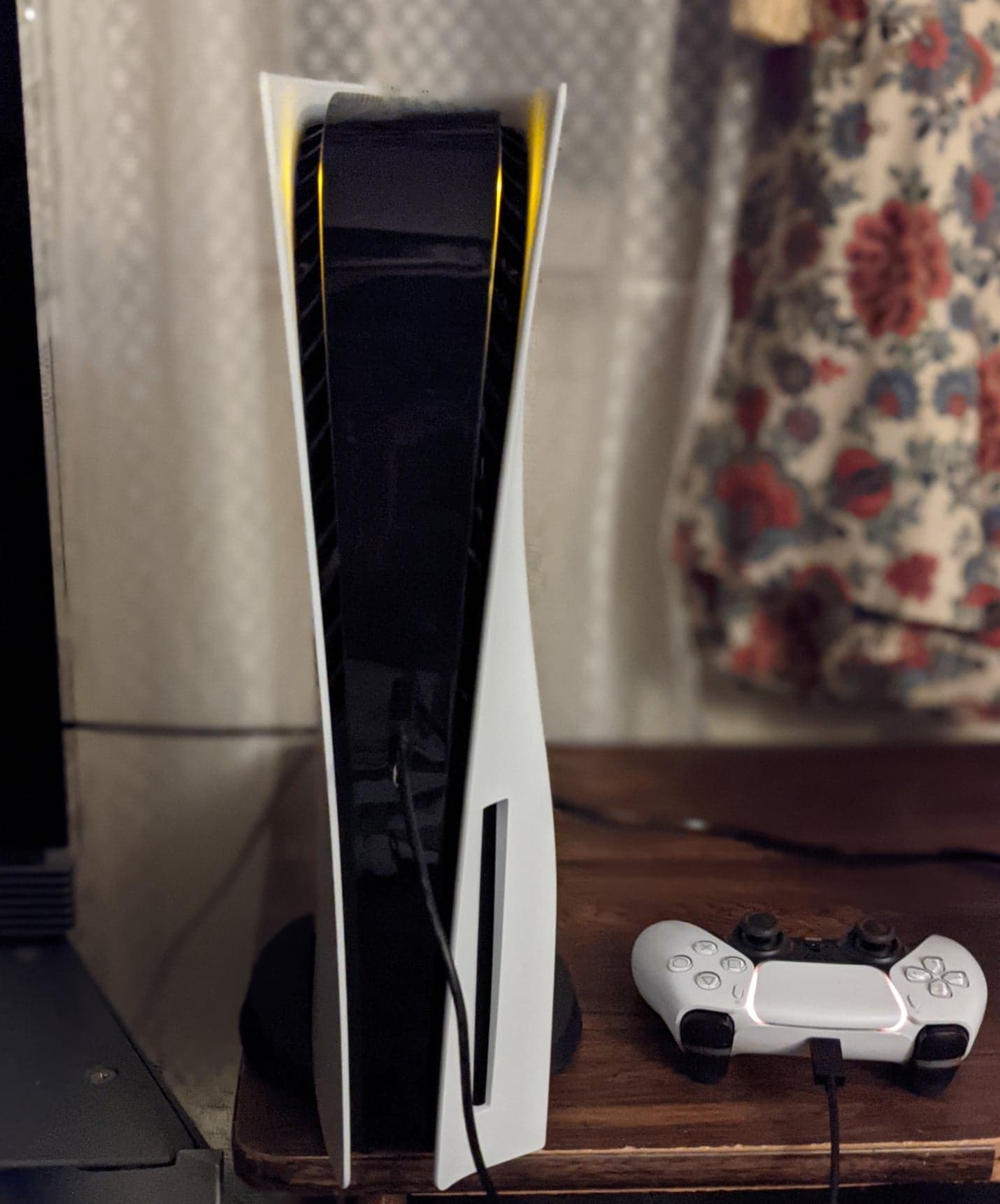
- PS5 console with a connected DualSense controller. Osh33m / Wikimedia Commons; original image unchanged. Source · CC BY-SA 4.0
- Xbox Series X console and controller. Der. Bellemer / Wikimedia Commons; original image unchanged. Source · CC BY-SA 4.0
- Sound BlasterX H5 headset with microphone. Dinopkk / Wikimedia Commons; original image unchanged. Source · CC BY-SA 3.0
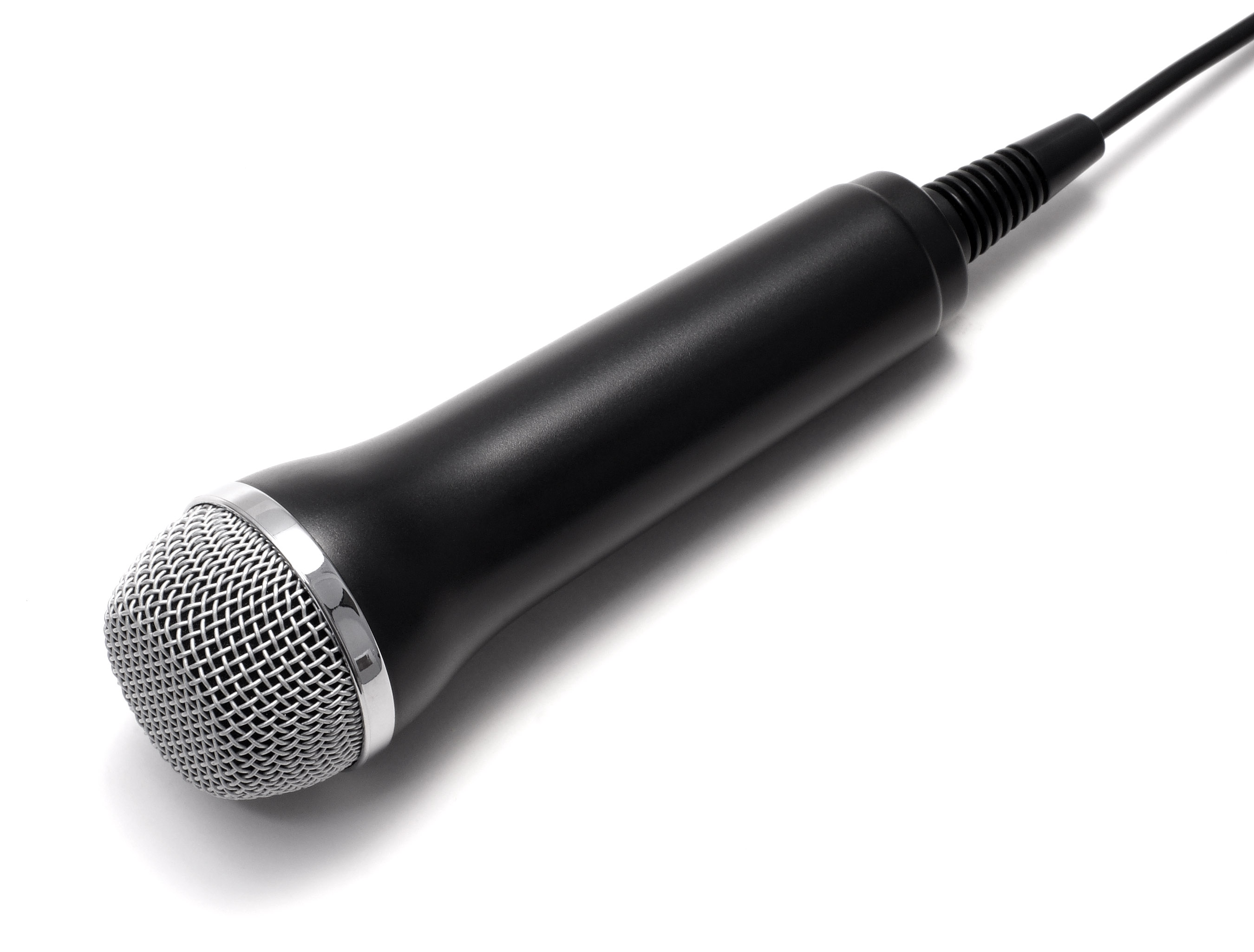
- USB microphone originally supplied with Rock Band for PS3. Evan-Amos / Wikimedia Commons; original image unchanged. Source · Public domain (author dedication)
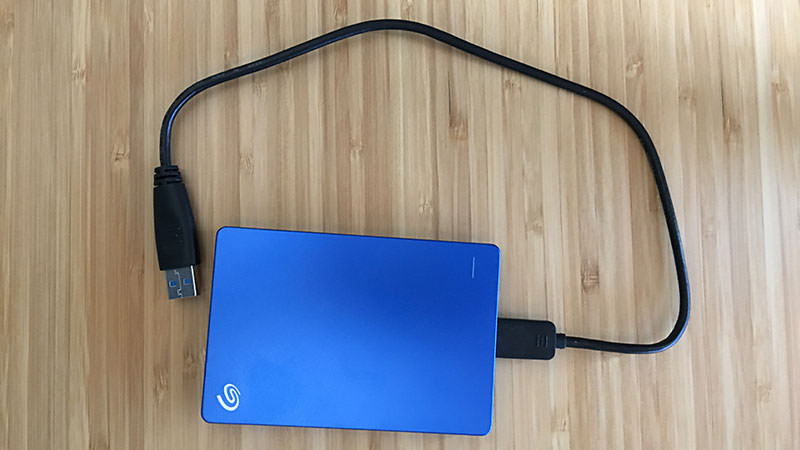
- Blue Seagate portable external hard drive. Sam Frazier / Wikimedia Commons; original image unchanged. Source · CC BY-SA 4.0
- Ethernet connector and cable section exposing twisted pairs. Dmitry G / Wikimedia Commons; original image unchanged. Source · CC BY-SA 3.0


Equipment is illustrative. No headset, microphone or installation-drive compatibility is claimed. The cable cutaway is not a modification instruction.
Back to page 1: verified launch facts and preparation
Turn a useful idea into a practical next step.
Use what you learned, then choose the support that fits the work ahead.
- Identify the work
Decide whether you need a new website, a focused service or ongoing support.
- Compare your options
Review scope and current charges before choosing.
- Talk through your project
Bring your website, your goal and the question you want to solve.
Older tutorials may describe earlier software or interfaces. Confirm current requirements before making changes.