Browse departments

Accessibility options

Adjust this website on this device. Your browser and assistive-technology settings continue to work normally.

Coffee Shop Website Design — Managed Setup

Give your website a clear job.

Use the coffee shop starting design as the basis for a managed WordPress website setup. This offer is for a managed website design, not a downloadable theme ZIP. Review the selected hosting plan and one-time setup…

Catalog reference: Choose a managed website plan

Choose a design & review plans

Review current configuration and charges in the setup flow.

Explore the scope and next stepsAlready purchased? Open your account
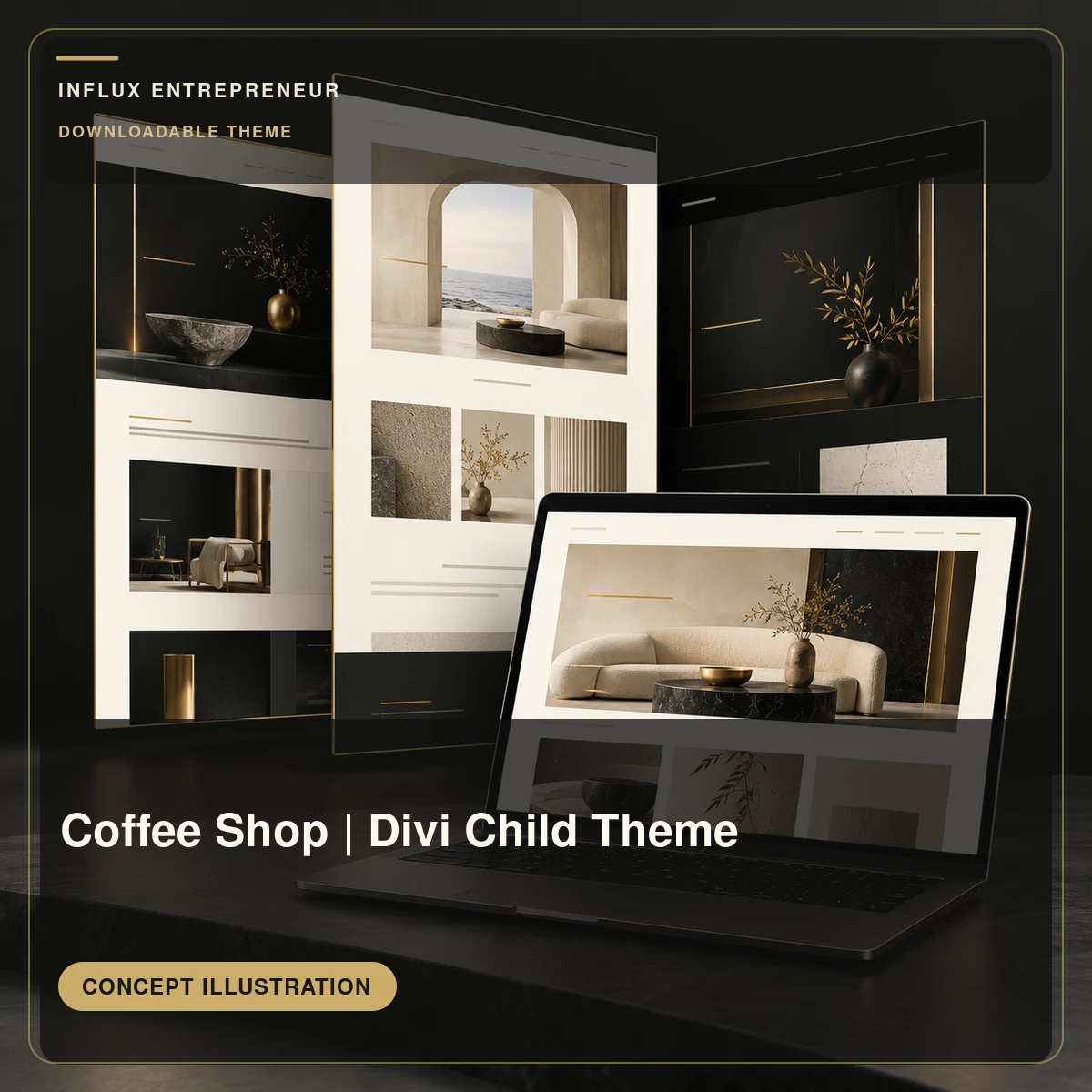
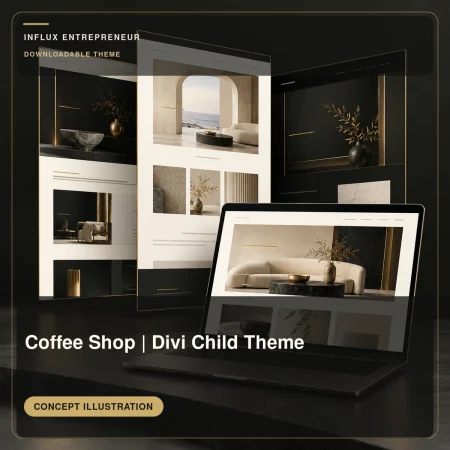
Concept illustration for Coffee Shop | Divi Child Theme; not a preview of a delivered website or theme.
Selected service artwork. Scope and options are described below.

Explore the live coffee shop design

Coffee Shop Website Design — Managed Setup

Choose a managed website plan

Use the coffee shop starting design as the basis for a managed WordPress website setup. This offer is for a managed website design, not a downloadable theme ZIP. Review the selected hosting plan and one-time setup charge before payment; bring your menu, location, hours, and any pickup or ordering needs so the page structure can be matched to your business.

Your next steps

  1. Preview the starting design, then use “Choose this design and review plans” to enter website setup.
  2. Review the monthly plan and one-time setup charge before entering your website details and payment. Confirm custom content, migration, domain arrangements and bespoke work separately.

Ask about this product before proceeding

Product overview

Coffee Shop Website Design — Managed Setup · Silent product overview

Read video transcript

Coffee Shop | Divi Child Theme Illustrative Product Overview. Review product details and available options.

Description

Start with a design. Choose the right website plan.

This is a starting design for a managed WordPress website, using the installed Influx design shown in the preview.

Preview the working website design

Your setup path

  1. Choose this design and review the available website plans.
  2. Check the monthly charge and any one-time setup fee, then enter your website details.
  3. Review the total and billing terms before payment. Use the platform confirmation and account screens for your actual setup status.

Confirm custom work separately

Copywriting, bespoke changes, migration, integrations, domain registration and third-party charges need an agreed scope. A starting design is not a finished custom business website. No stand-alone theme download or third-party licence transfer is included.

Ask about adapting this design

Know the scope before you buy.

Choose a managed website plan

Reference listing · current quote and terms required

What the listing describes
Use the coffee shop starting design as the basis for a managed WordPress website setup. This offer is for a managed website design, not a downloadable theme ZIP. Review the selected hosting plan and one-time setup charge before payment; bring your menu, location, hours, and any pickup or ordering needs so the page structure can be matched to your business.
Confirm for your project
Confirm the website or platform, pages, products, migration size, integrations, access arrangements and ongoing support. Hosting, domain renewals and third-party licences require explicit scope.
Before payment
Confirm the selected configuration, delivery timing, any separate fees and the applicable cancellation or refund terms. A catalog description is not a confirmed project schedule.

From the right option to a clear handoff.

Your product listing and final order summary show what you are buying.

  1. Review the listing

    Check the selected option, availability, price and any recurring charge.

  2. Check your cart

    Confirm items and quantities before continuing to checkout.

  3. Follow the order

    Open your customer account for order status and available downloads.

Review my cart

A paid order does not by itself confirm a booking time or a website launch. Follow the item-specific instructions and contact us if anything is unclear.

Give visitors a route through your business.

A website brief starts with what someone should do next: understand the offer, get in touch, book or buy. Connect the selected service to that goal, then agree the pages and features it needs.

Your selected service: Coffee Shop Website Design — Managed Setup

Have this ready.

  • The site you have, or the business you are launching
  • The pages, products and customer actions you need
  • Any migration, integrations and ongoing support requirements

See what you’re choosing.

Use the coffee shop starting design as the basis for a managed WordPress website setup. This offer is for a managed website design, not a downloadable theme ZIP. Review the selected hosting plan and one-time setup charge before payment; bring your menu, location, hours, and any pickup or ordering needs so the page structure can be matched to your business.

Read the full service details and options

How to get started.

  1. Choose your starting design
  2. Review the current plan, site and account details
  3. Review the amount due before completing setup

Confirm the scope for your project.

Confirm the website or platform, pages, products, migration size, integrations, access arrangements and ongoing support. Hosting, domain renewals and third-party licences require explicit scope.

The native website setup shows current plan charges, any setup fee and recurring billing. The reference listing does not set the checkout amount.

Before you choose.

What does this service include?

Review the service description and purchase details on this page for Coffee Shop Website Design — Managed Setup. Confirm your configuration, deliverables and delivery arrangements before committing.

What happens after I take the next step?

Your design selection continues into the native website setup. Review the plan and complete its site, account and payment steps.

Can I discuss my requirements first?

Yes. Send a service-specific enquiry with your goal, requirements and preferred timing.

Discuss Coffee Shop Website Design — Managed Setup

Start with Coffee Shop Website Design — Managed Setup.

Catalog reference: Choose a managed website plan

The native website setup shows current plan charges, any setup fee and recurring billing. The reference listing does not set the checkout amount.

Choose a useful next step.

Compare current services and managed website plans, or start with a free checklist. Nothing is added to your cart.

Book a consultation Open full page

More ways to use Influx