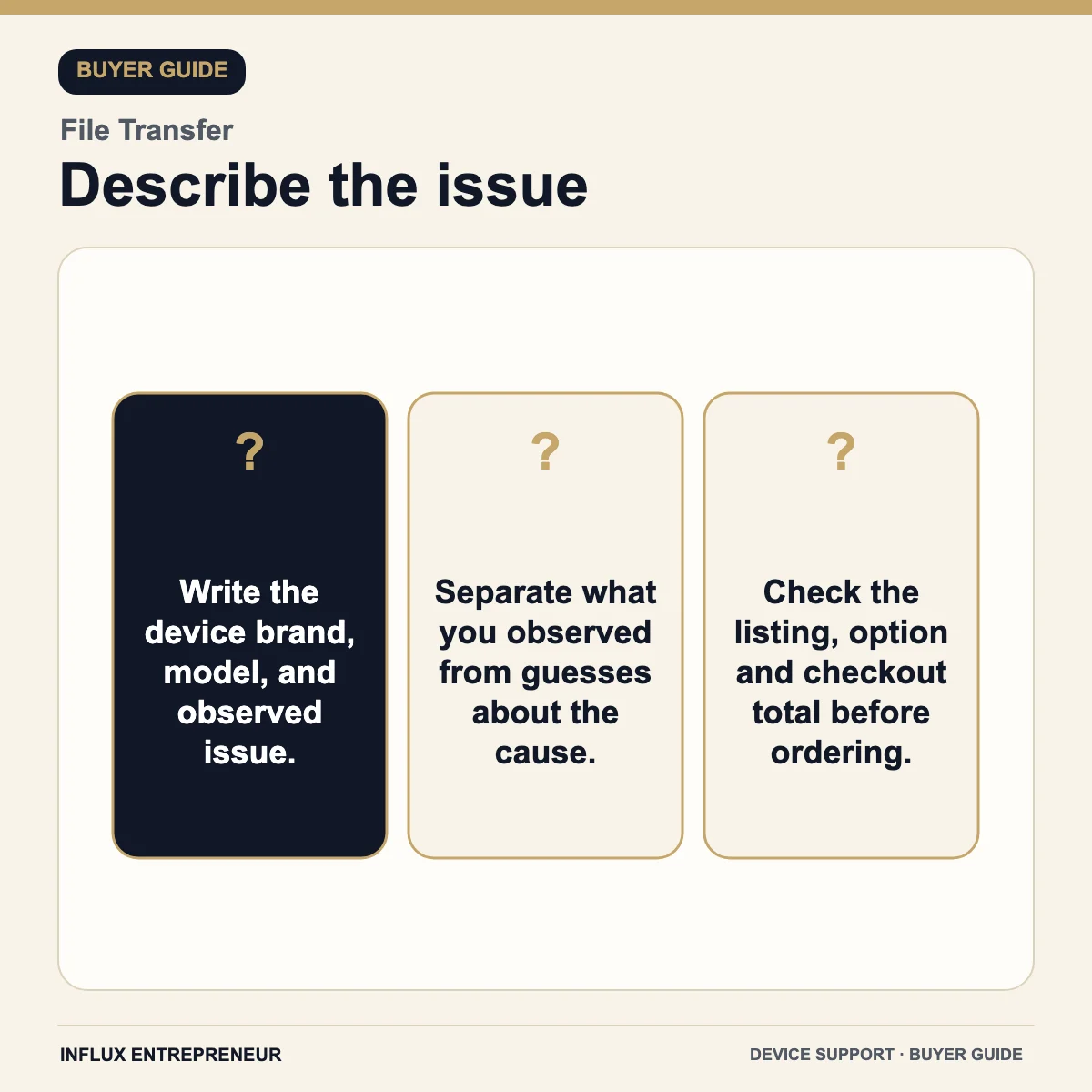
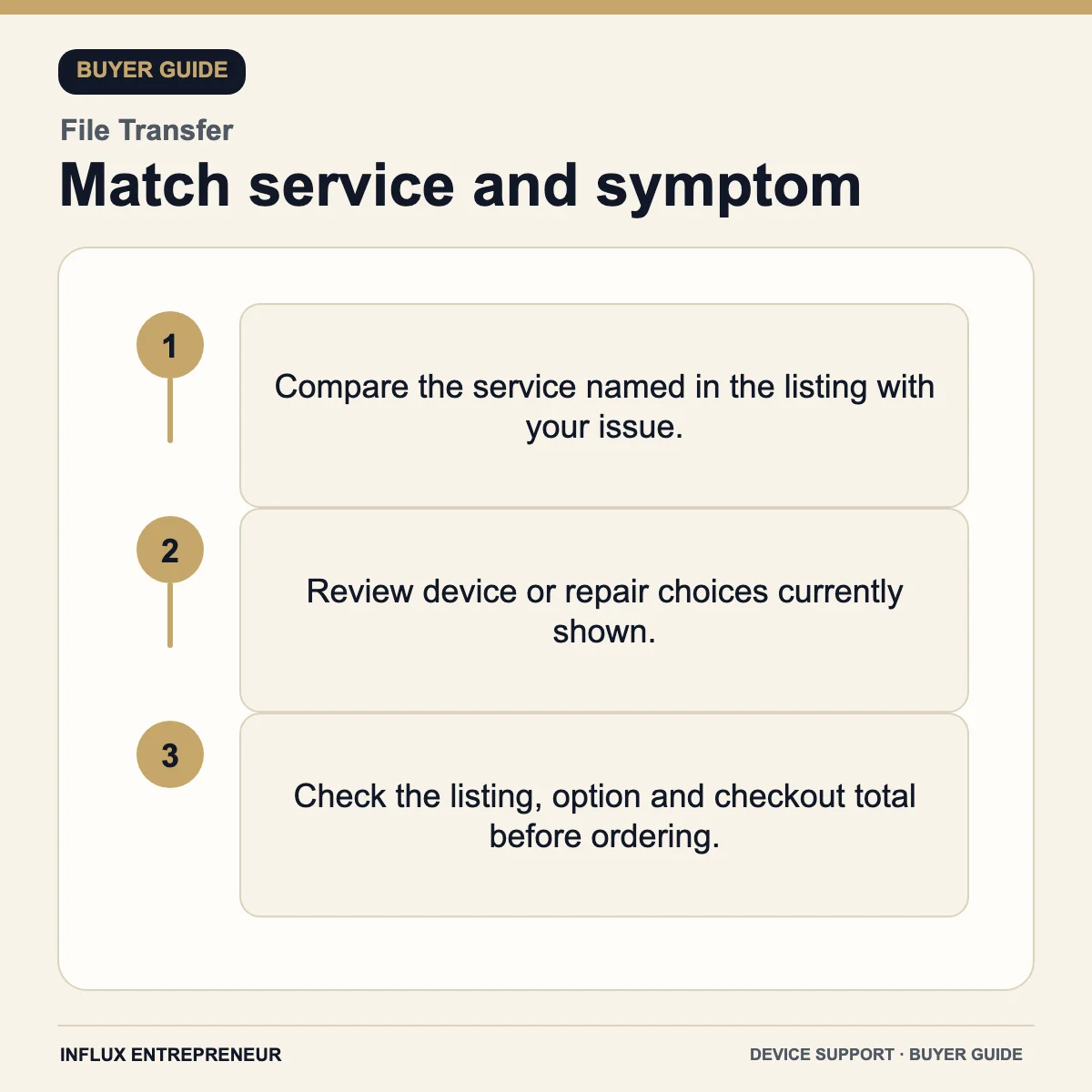
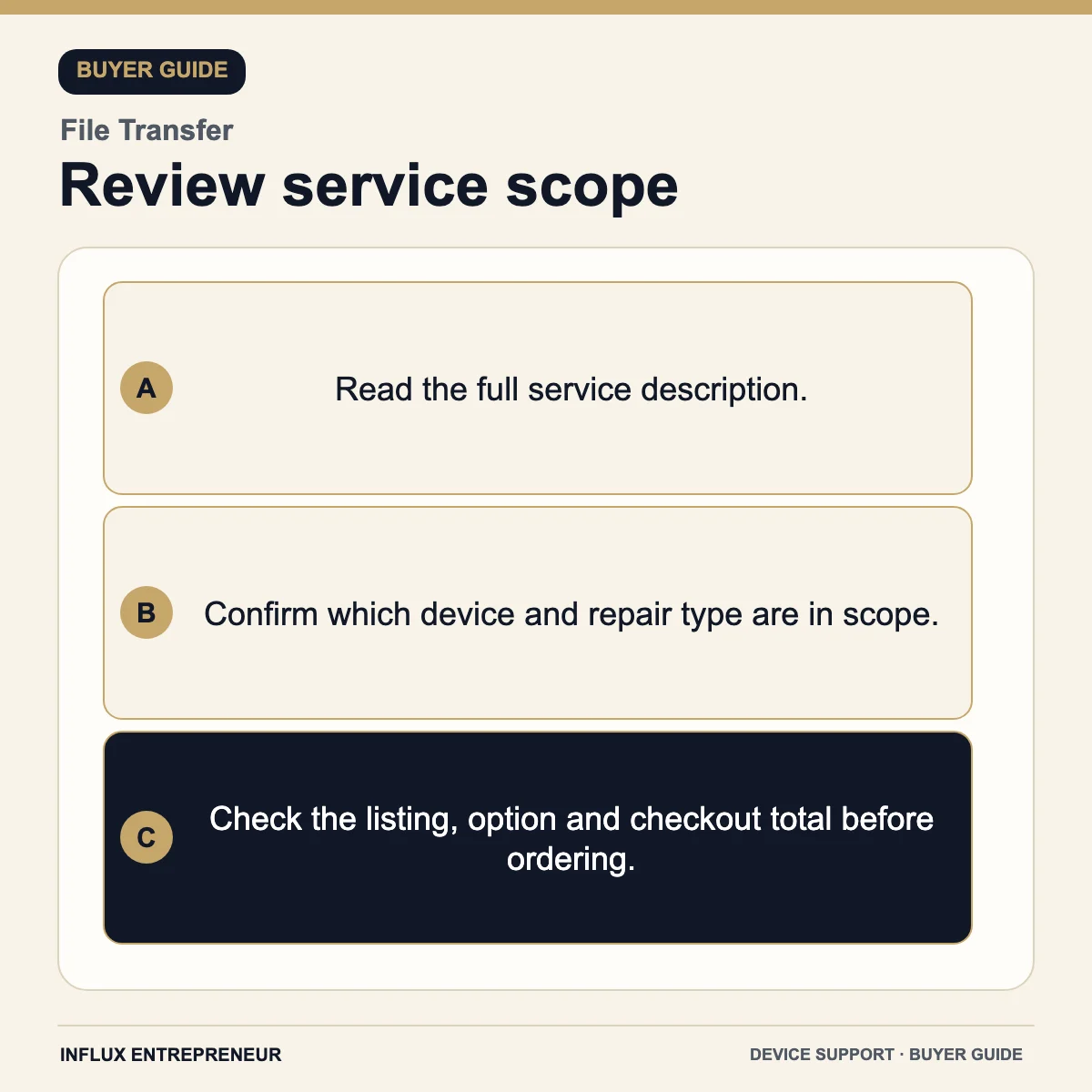
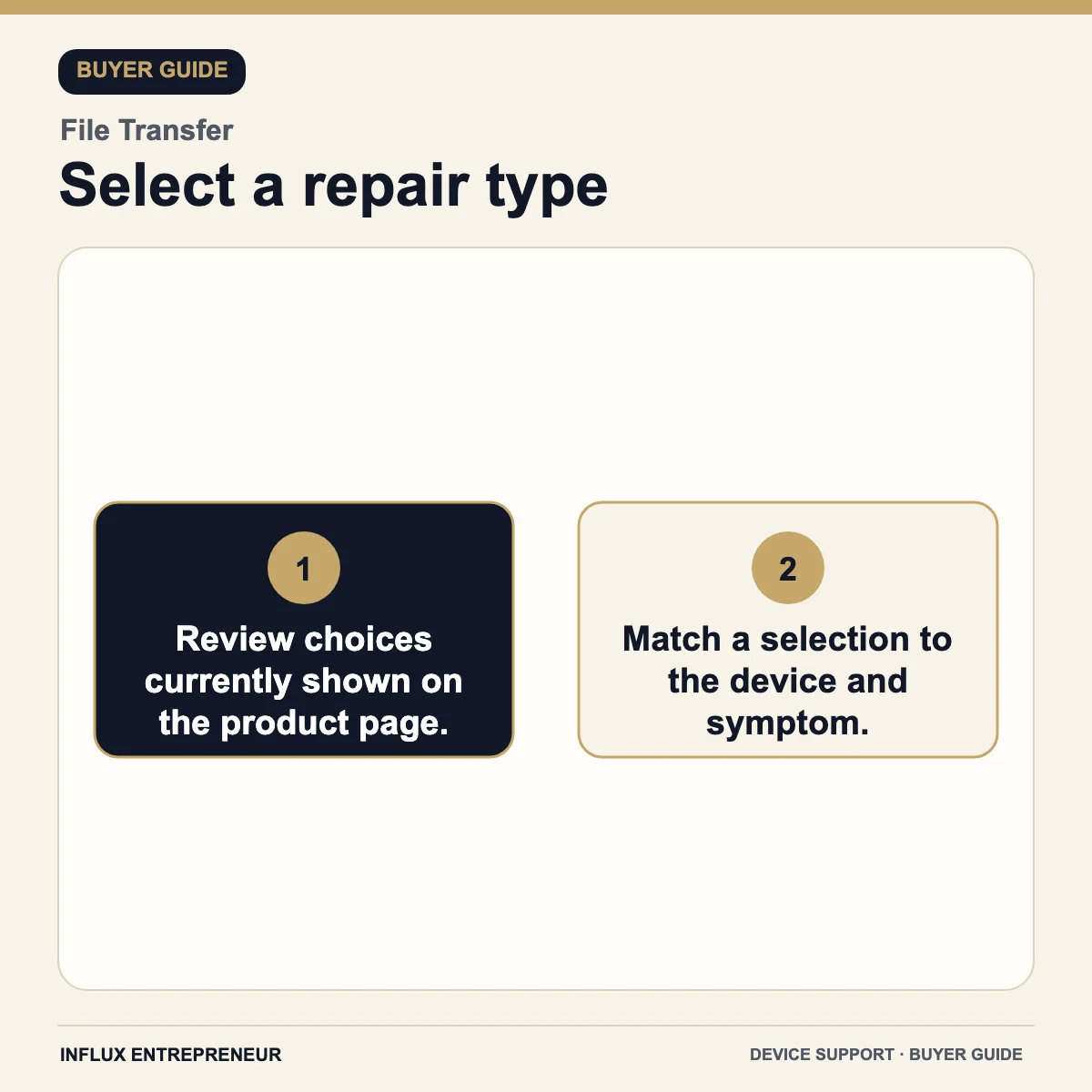
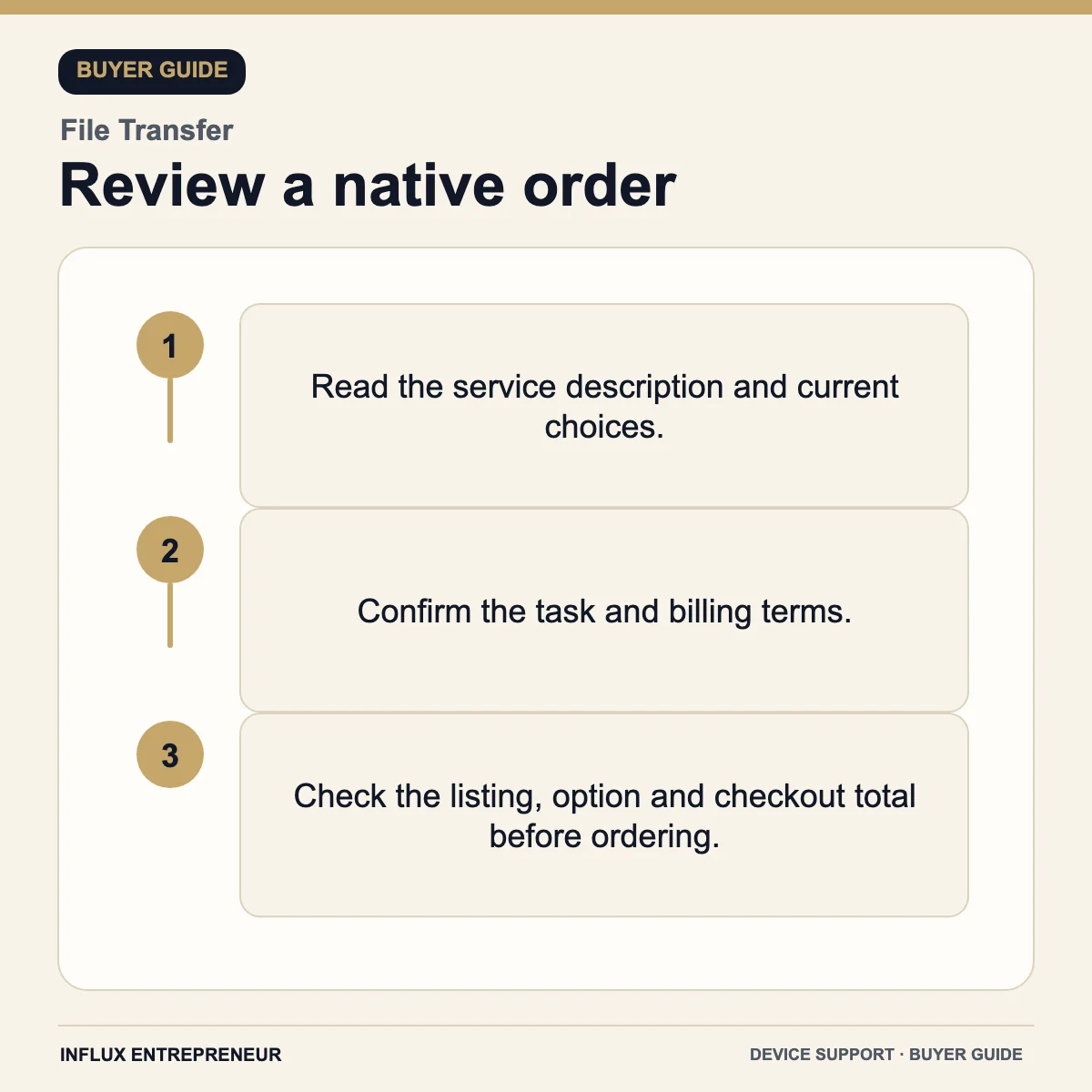
Choose any required options. Review the final amount, tax and delivery at checkout.
File Transfer
In Store | Tech Services & Repairs | Phone & Tablet
$60.00
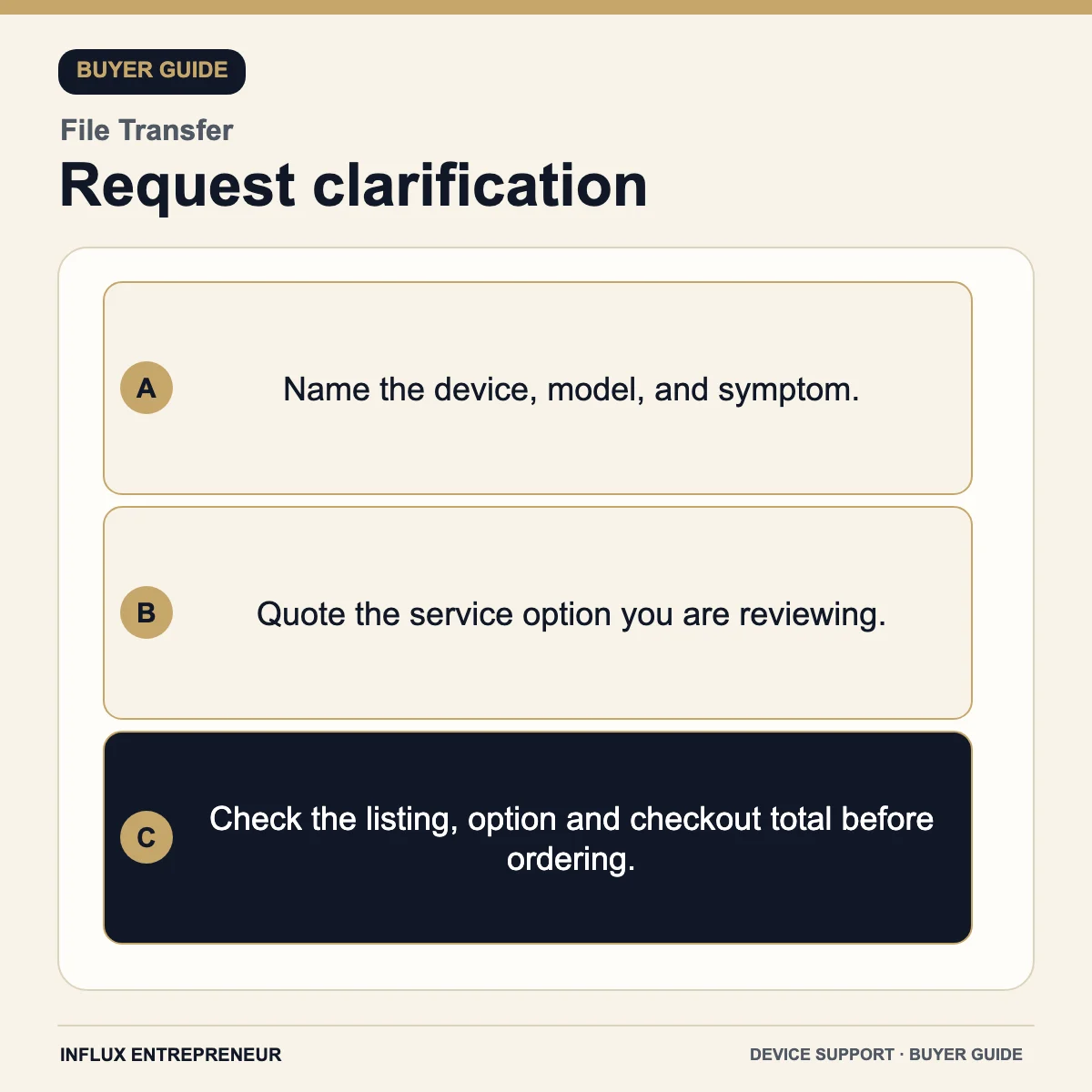
Request help transferring files between devices. Include the source and destination device models, the type of files, and where you want them moved. The transfer method and scope can then be confirmed for the devices involved.
Next: checkout. Enter your details and review the final total before confirming your order.
File transfer assistance between devices. Share the source device, destination, and transfer needs so requirements can be confirmed before work begins.
File transfer assistance between devices. Share the source device, destination, and transfer needs so requirements can be confirmed before work begins.
Understand this purchase.
People who need assistance moving files between devices.
What the current listing covers
File transfer assistance between the source and destination devices you identify.
What to confirm before paying
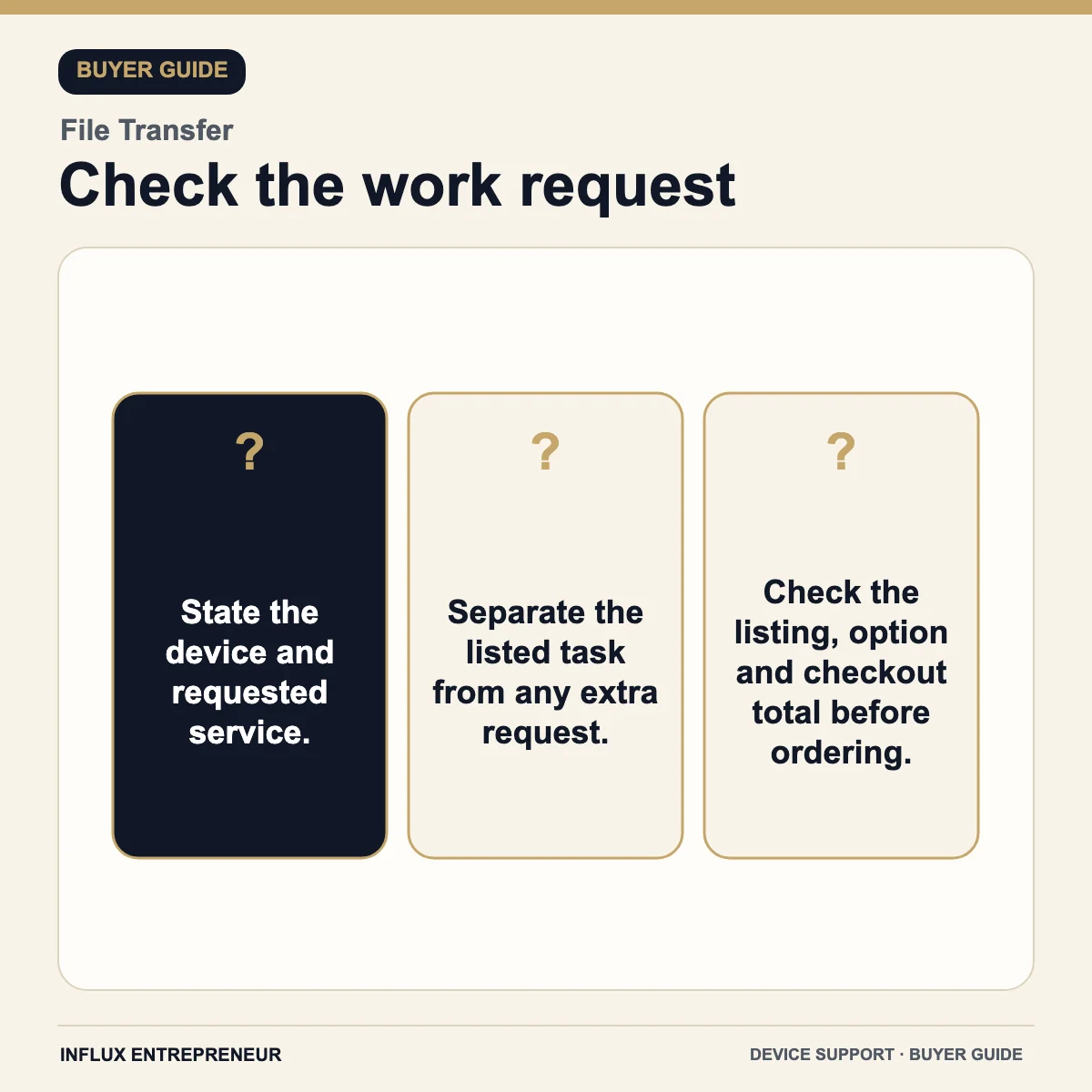
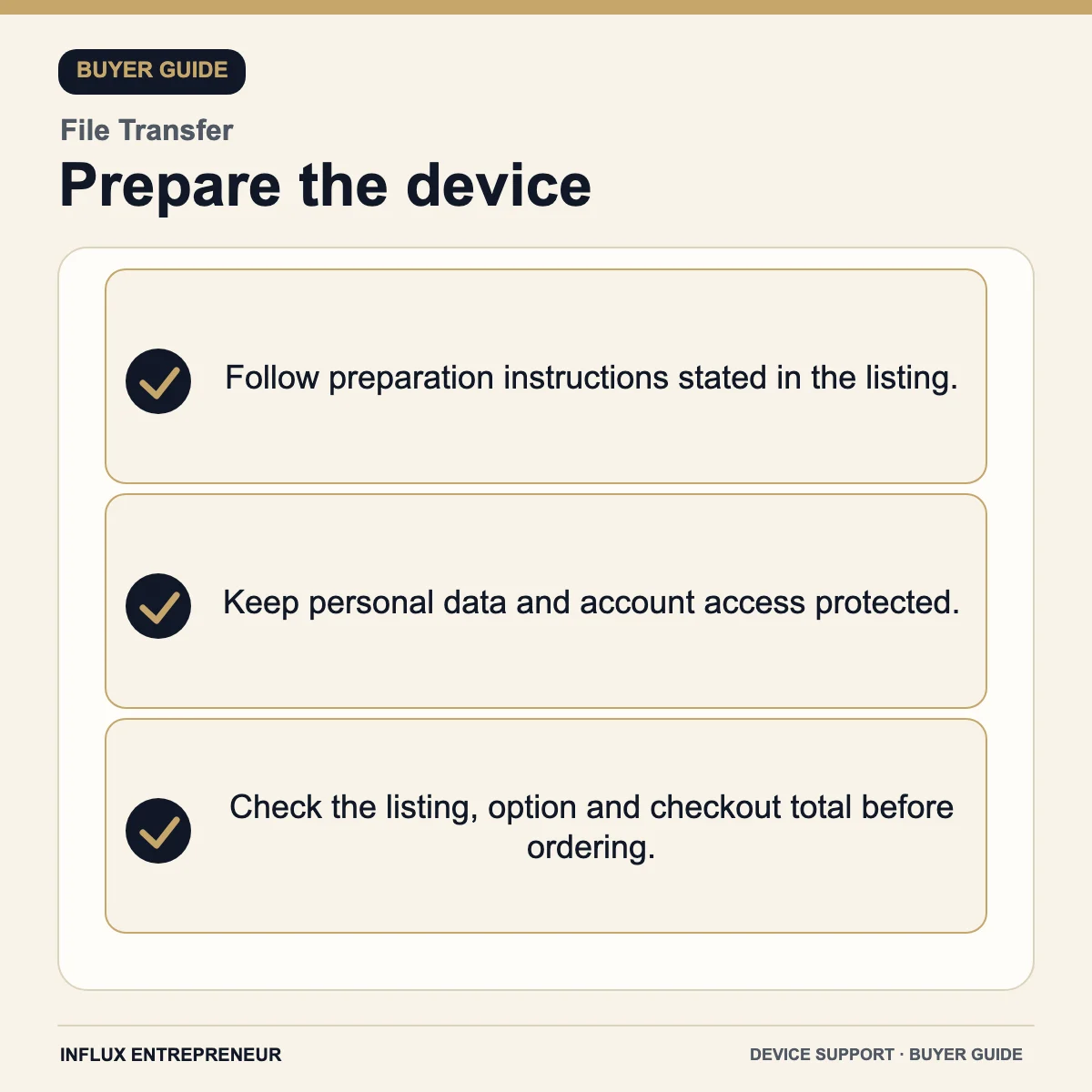
Both devices, file types and volume, destination storage and access requirements. Confirm any transfer limits or additional work before ordering.
Choosing the right next step
If files are missing or inaccessible, ask about data recovery rather than assuming this transfer service includes recovery.
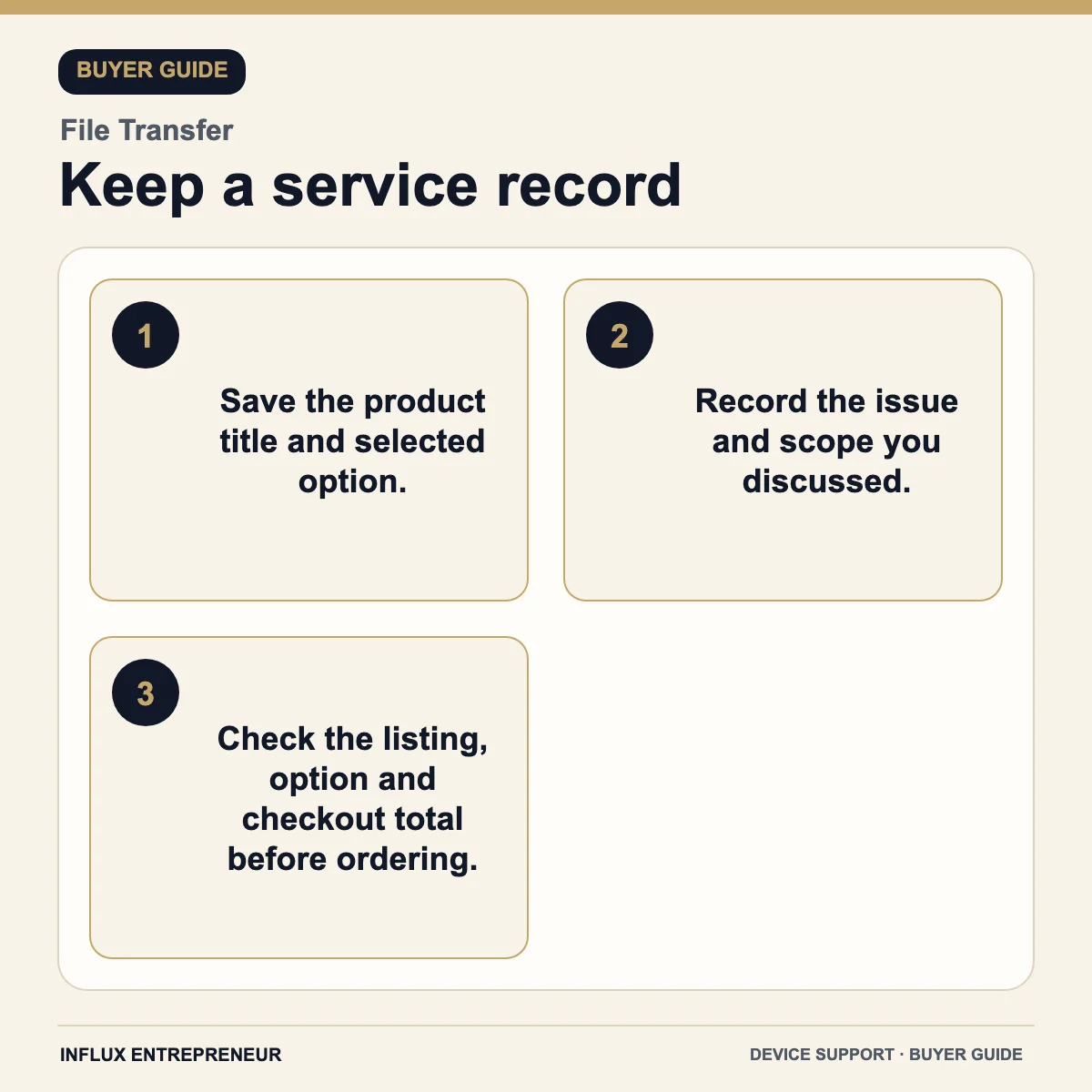
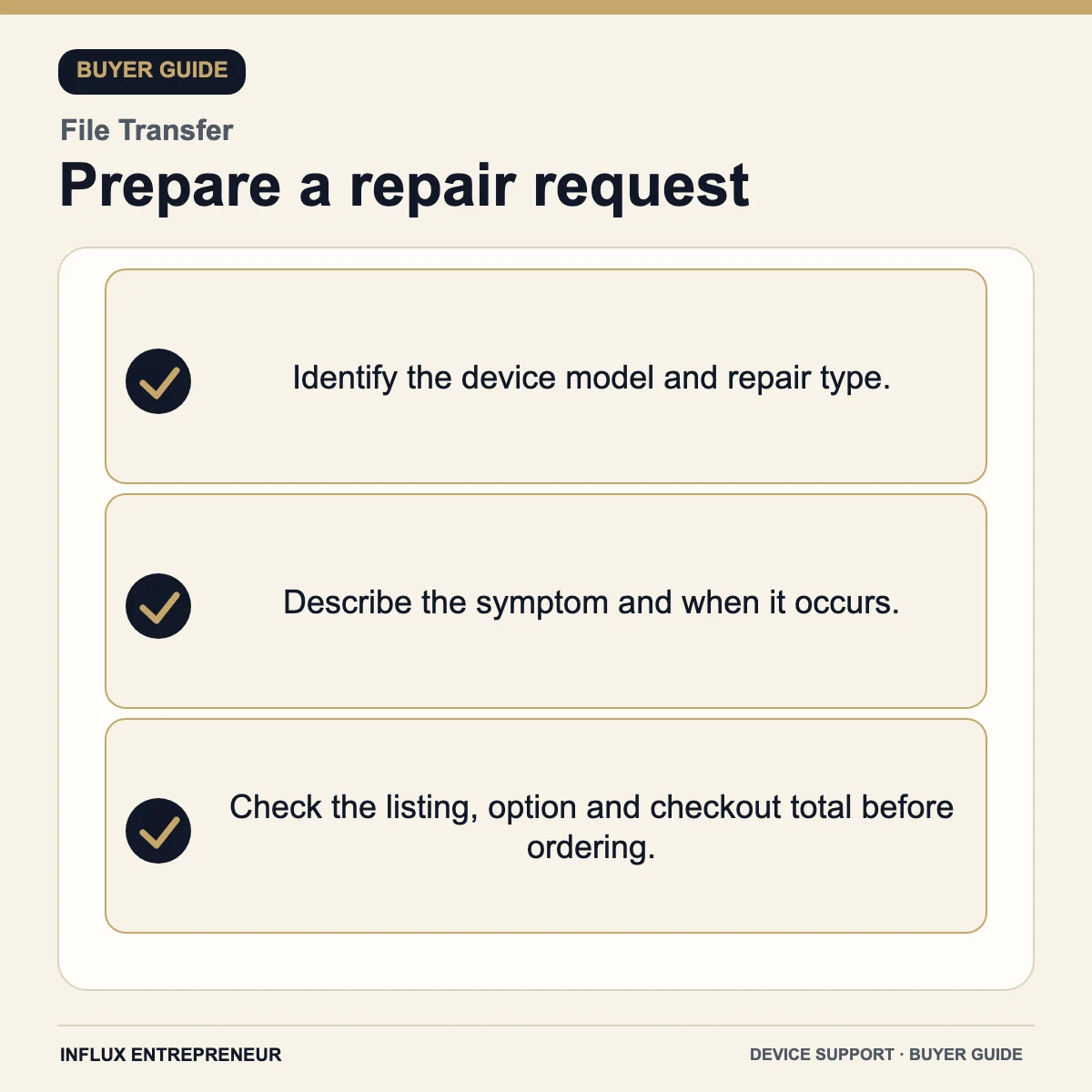
Have the exact device model, symptoms and selected service option ready.
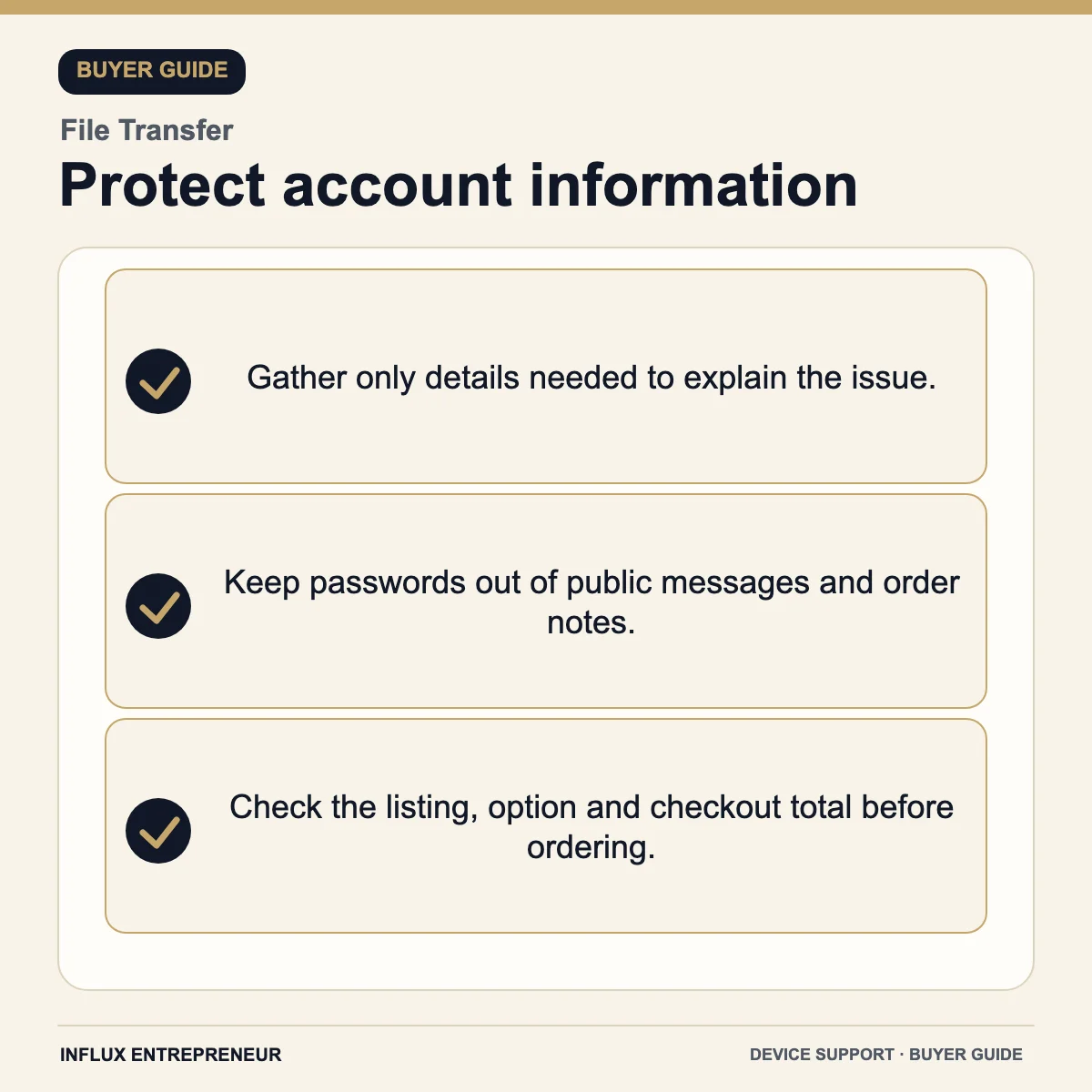
Confirm service suitability, parts, access and drop-off or remote arrangements with Influx. Back up accessible data first; do not send passwords or device passcodes in a public form.
A paid order does not by itself confirm a booking time or a website launch. Follow the item-specific instructions and contact us if anything is unclear.
SolomonAI site assistant · Please don’t share private or payment information.
Ask about Influx Entrepreneur, the time, weather or public news. For account-specific help, use human support.