Browse departments

Accessibility options

Adjust this website on this device. Your browser and assistive-technology settings continue to work normally.

Review your purchase

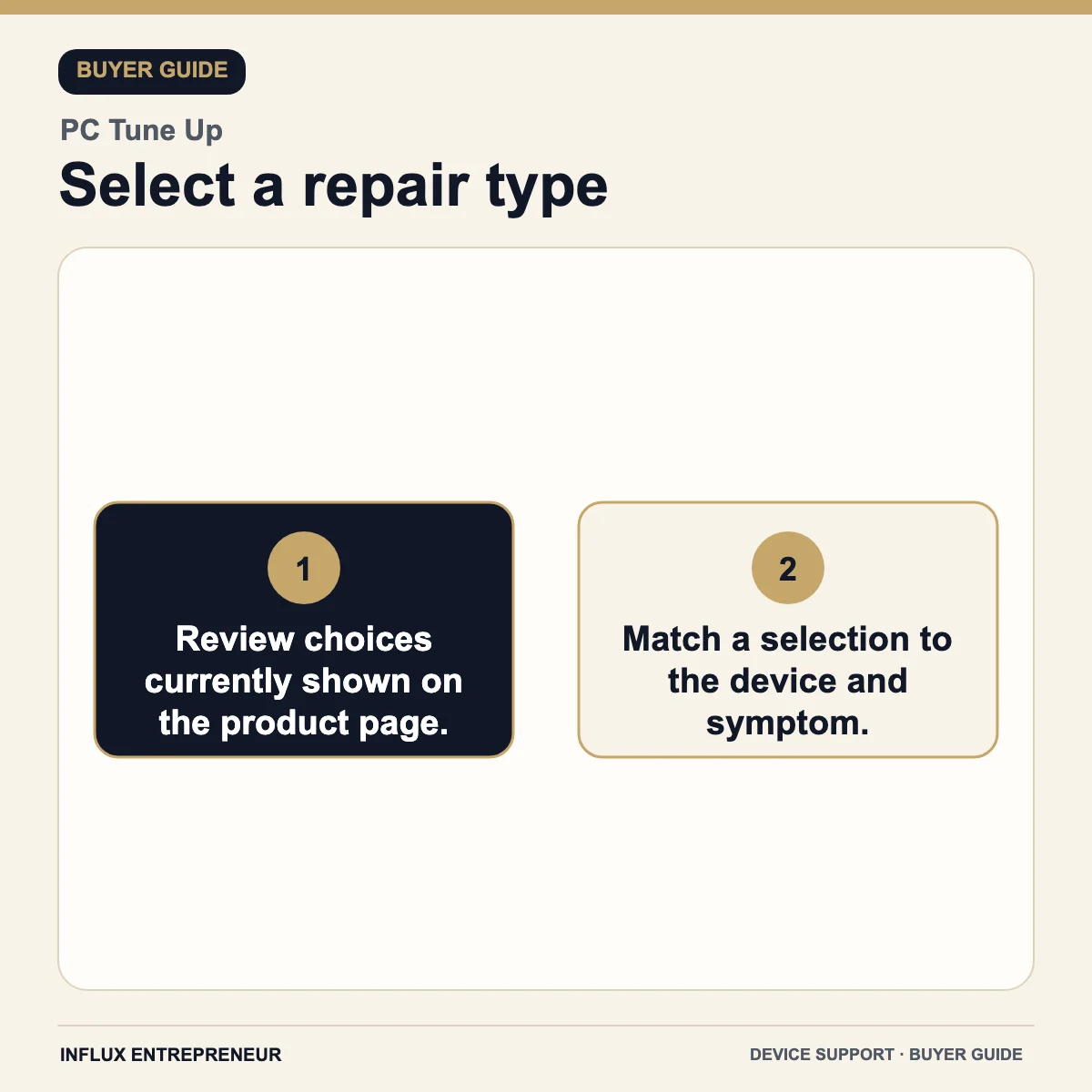
Choose any required options. Review the final amount, tax and delivery at checkout.

PC Tune Up

In Store |  Tech Services & Repairs |  PC & Laptop

$39.00

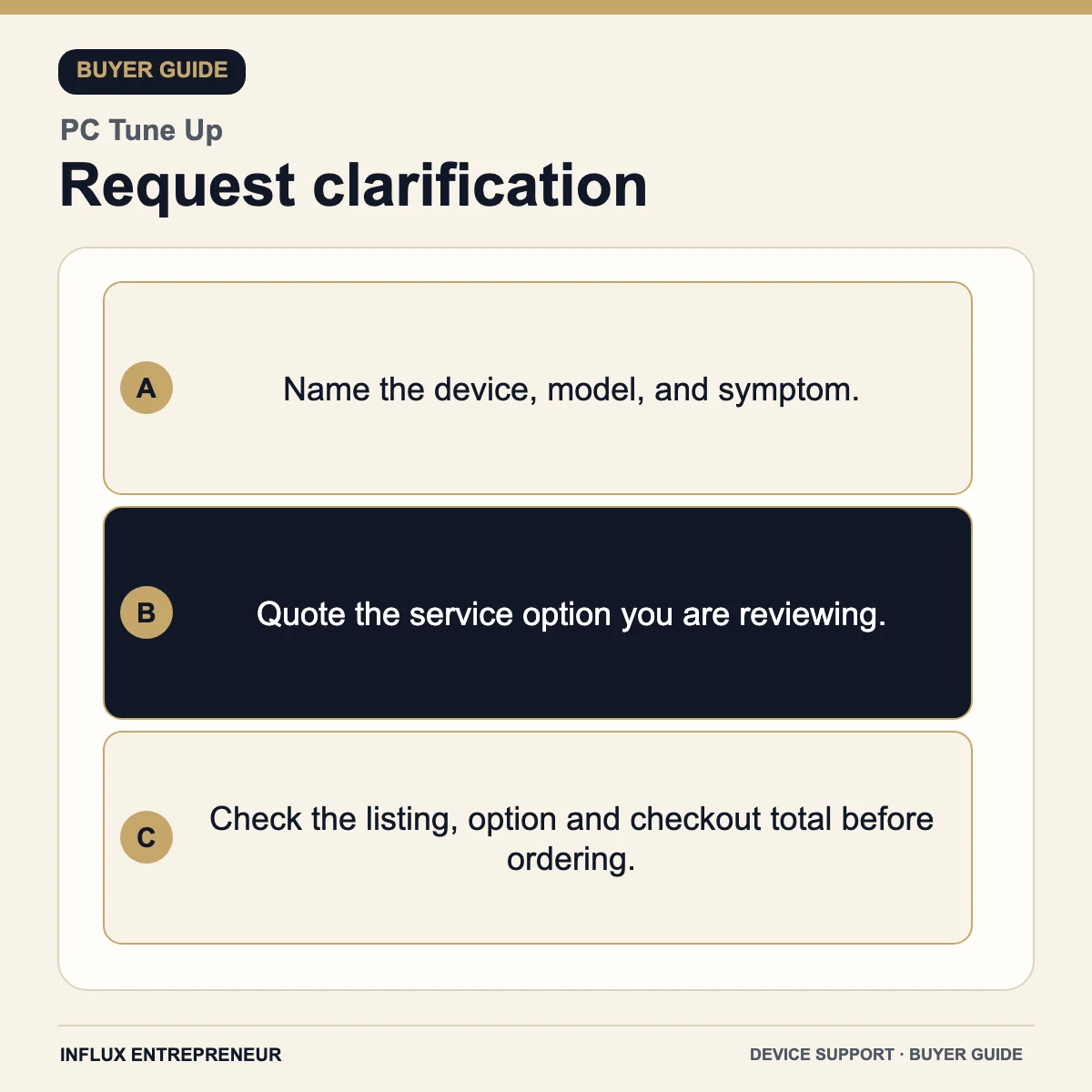
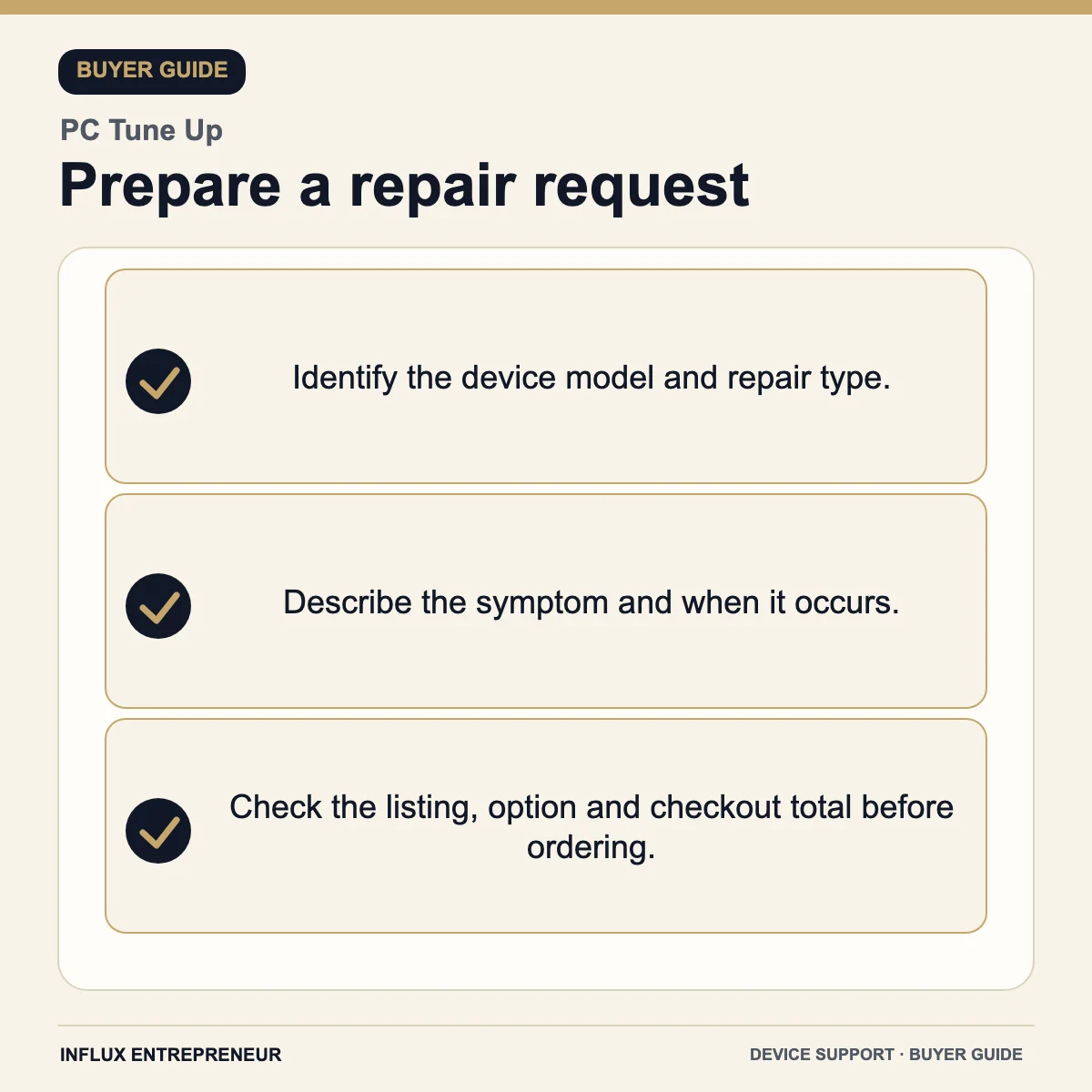
Book a PC tune-up focused on reviewing computer performance and removing unnecessary files, as stated in the listing. Describe what feels slow, when it began, and the computer’s make/model so the requested checks can be confirmed before work starts.

Next: checkout. Enter your details and review the final total before confirming your order.

Questions about PC Tune Up?Service terms

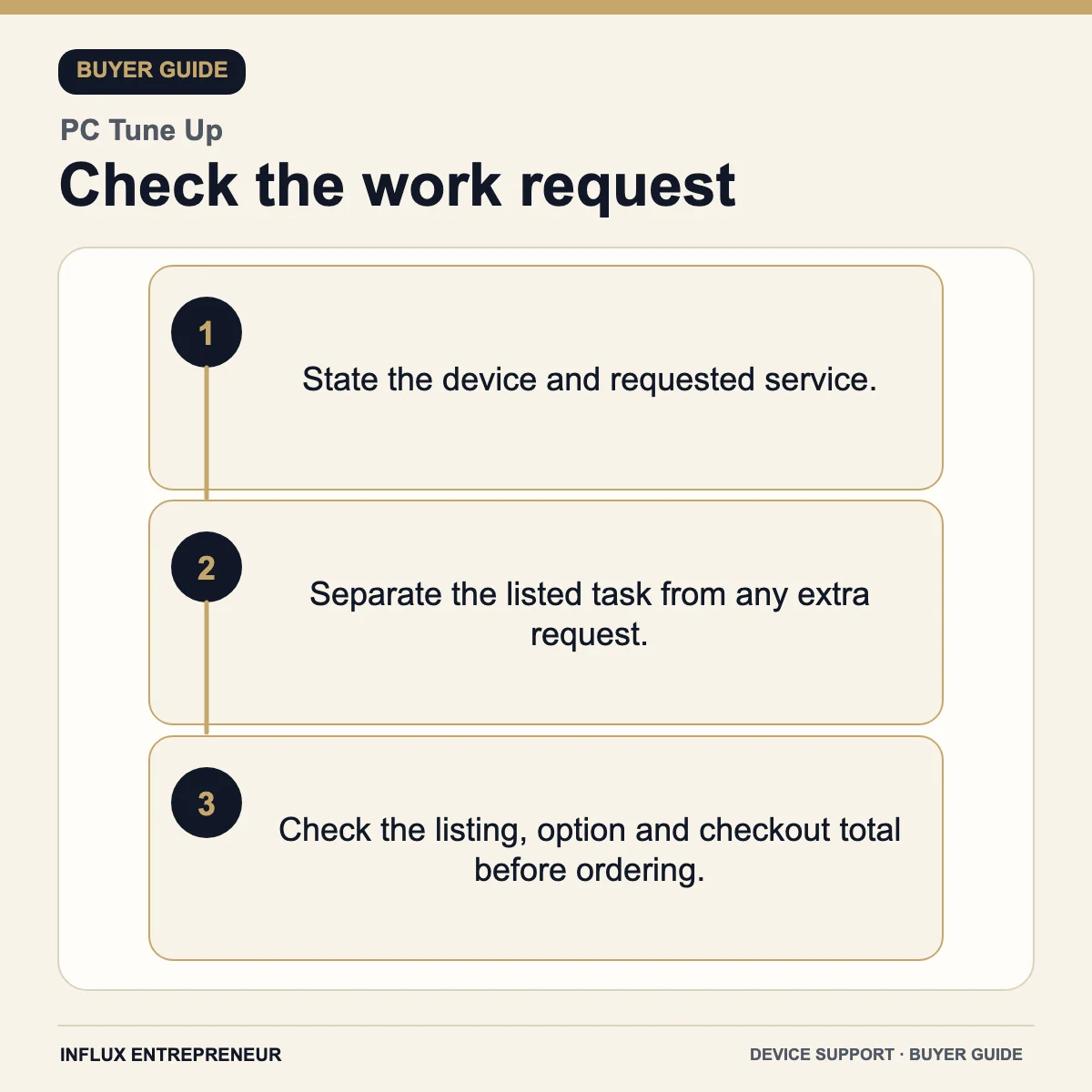
PC tune-up service to review computer performance and remove unnecessary files. Confirm the device and service scope before work begins.

PC tune-up service to review computer performance and remove unnecessary files. Confirm the device and service scope before work begins.

Understand this purchase.

PC owners looking for a performance review and cleanup.

What the current listing covers
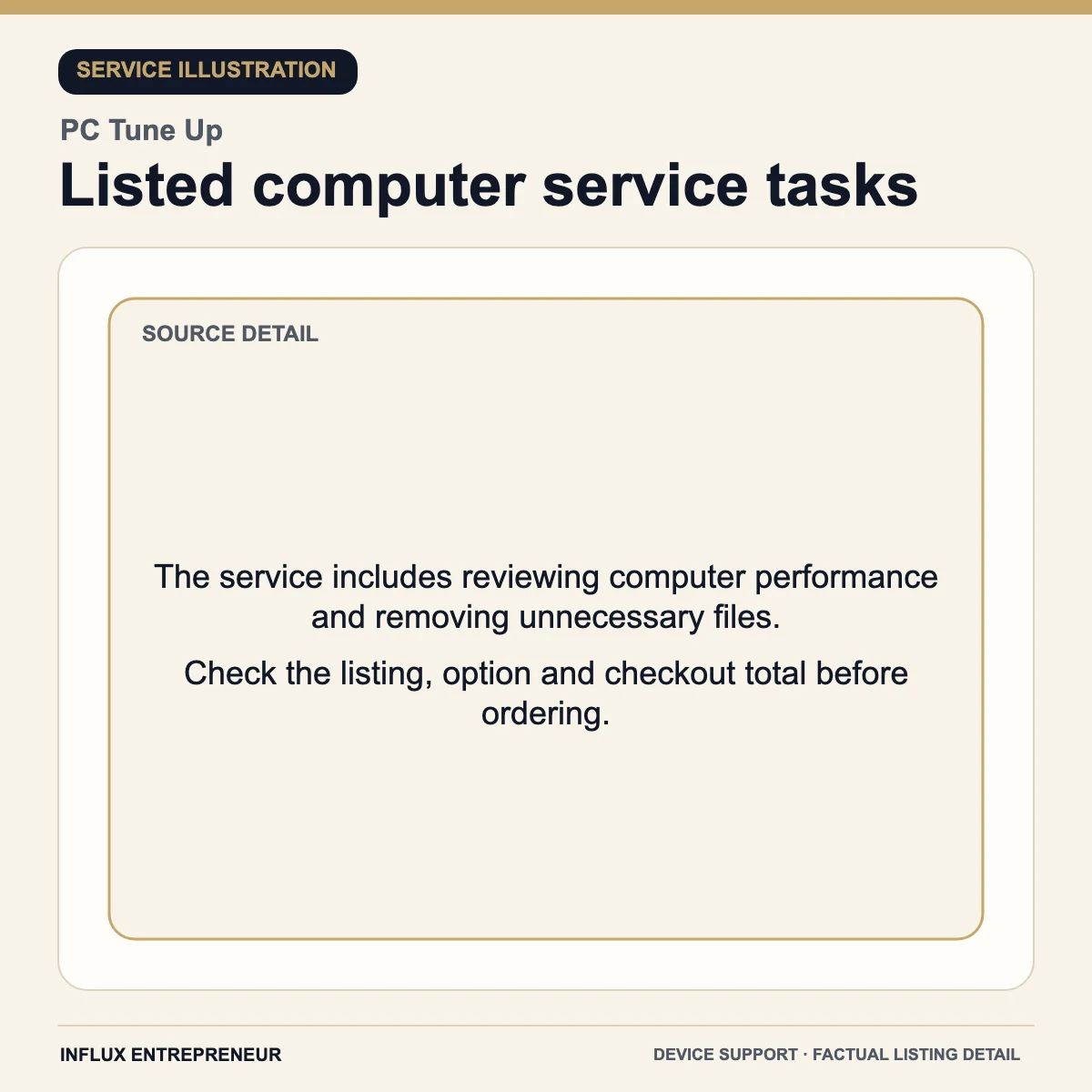
The listing includes reviewing computer performance and removing unnecessary files.
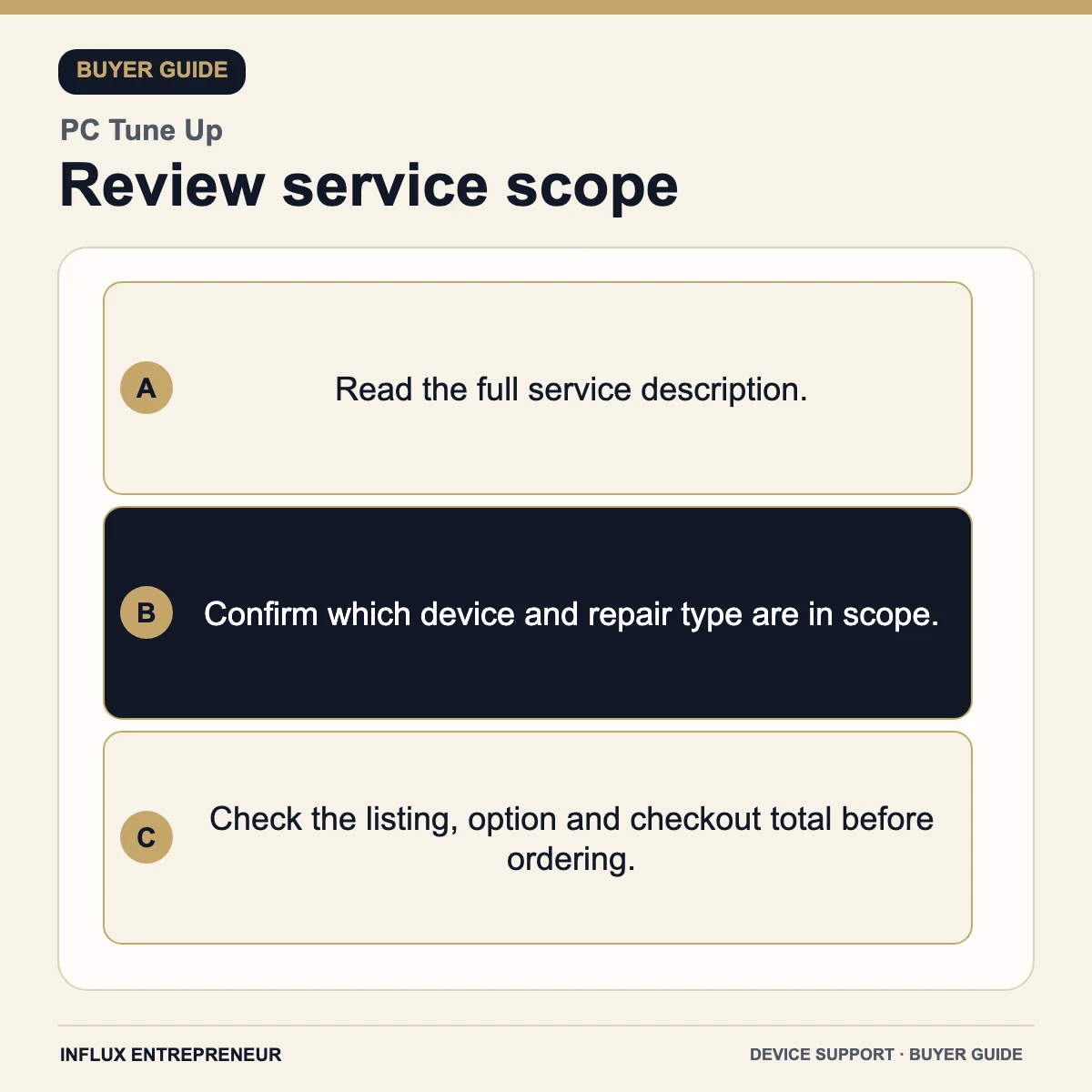
What to confirm before paying
The symptoms, device and operating system, files that must be retained and the agreed cleanup scope.
Choosing the right next step
Discuss suspected hardware faults or lost data before ordering a tune-up.

Your next steps

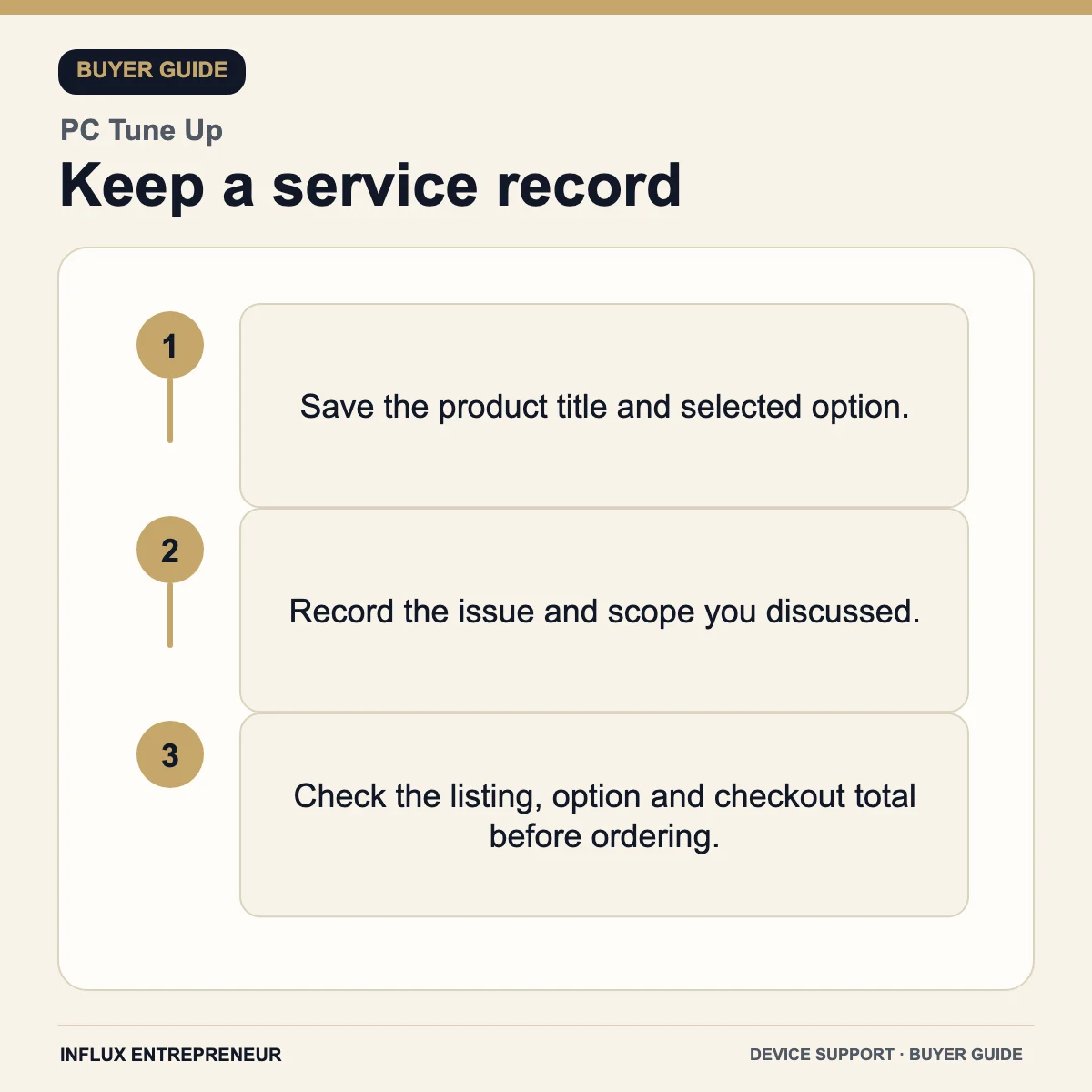
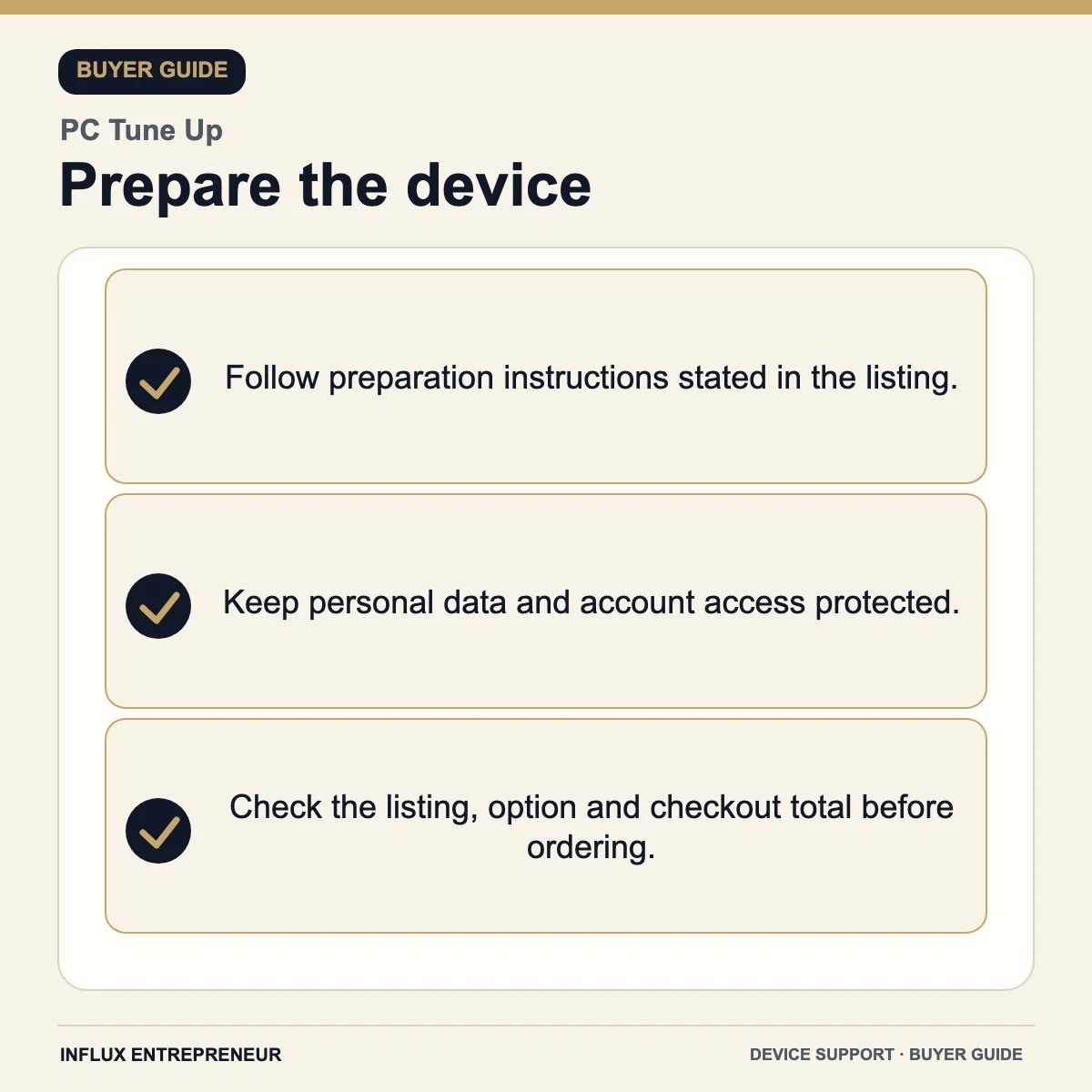
  1. Have the exact device model, symptoms and selected service option ready.
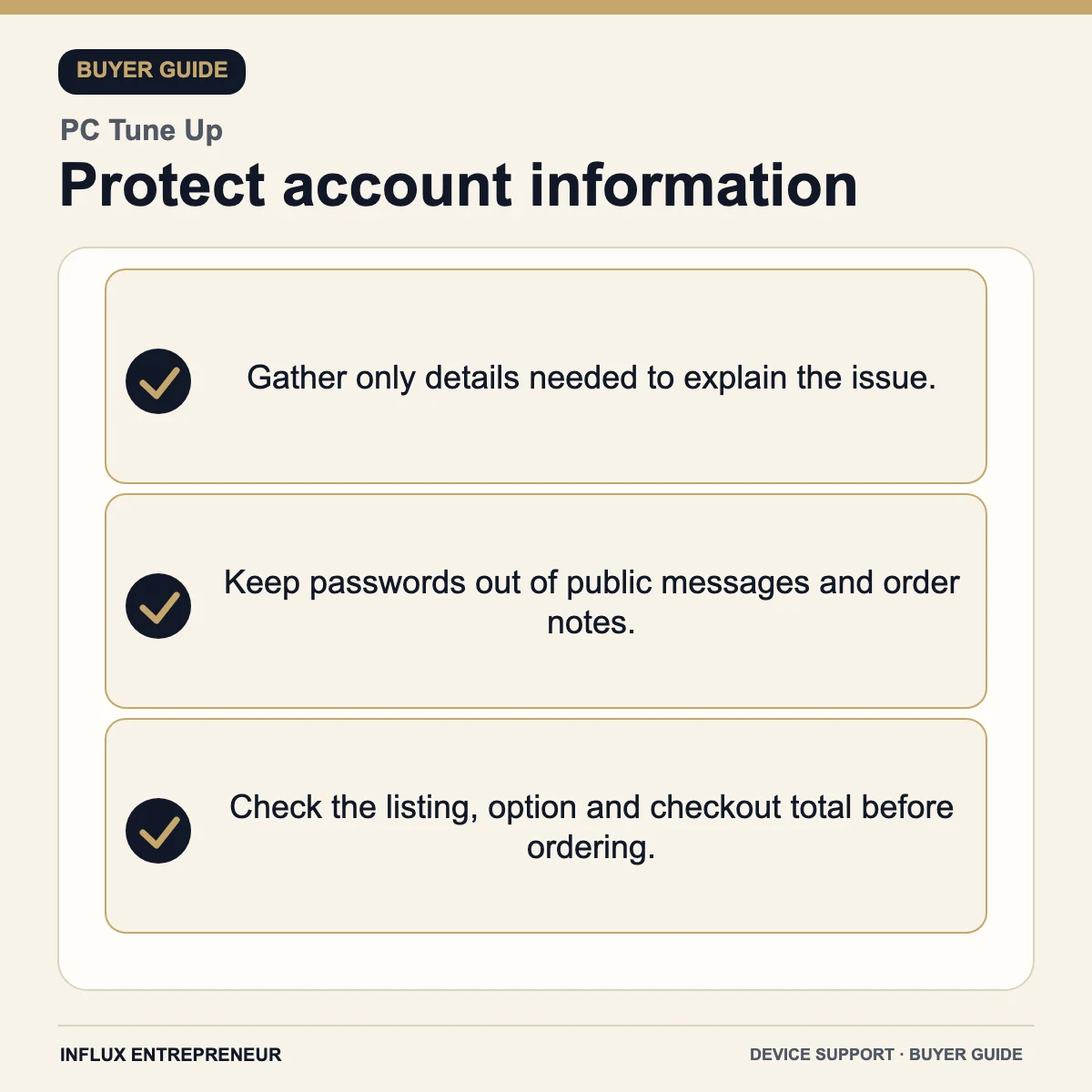
  2. Confirm service suitability, parts, access and drop-off or remote arrangements with Influx. Back up accessible data first; do not send passwords or device passcodes in a public form.

Ask about this product before proceeding

Product overview

PC Tune Up · Silent product overview

Read video transcript

PC Tune Up Service Illustration. Review product details and available options.

From the right option to a clear handoff.

Your product listing and final order summary show what you are buying.

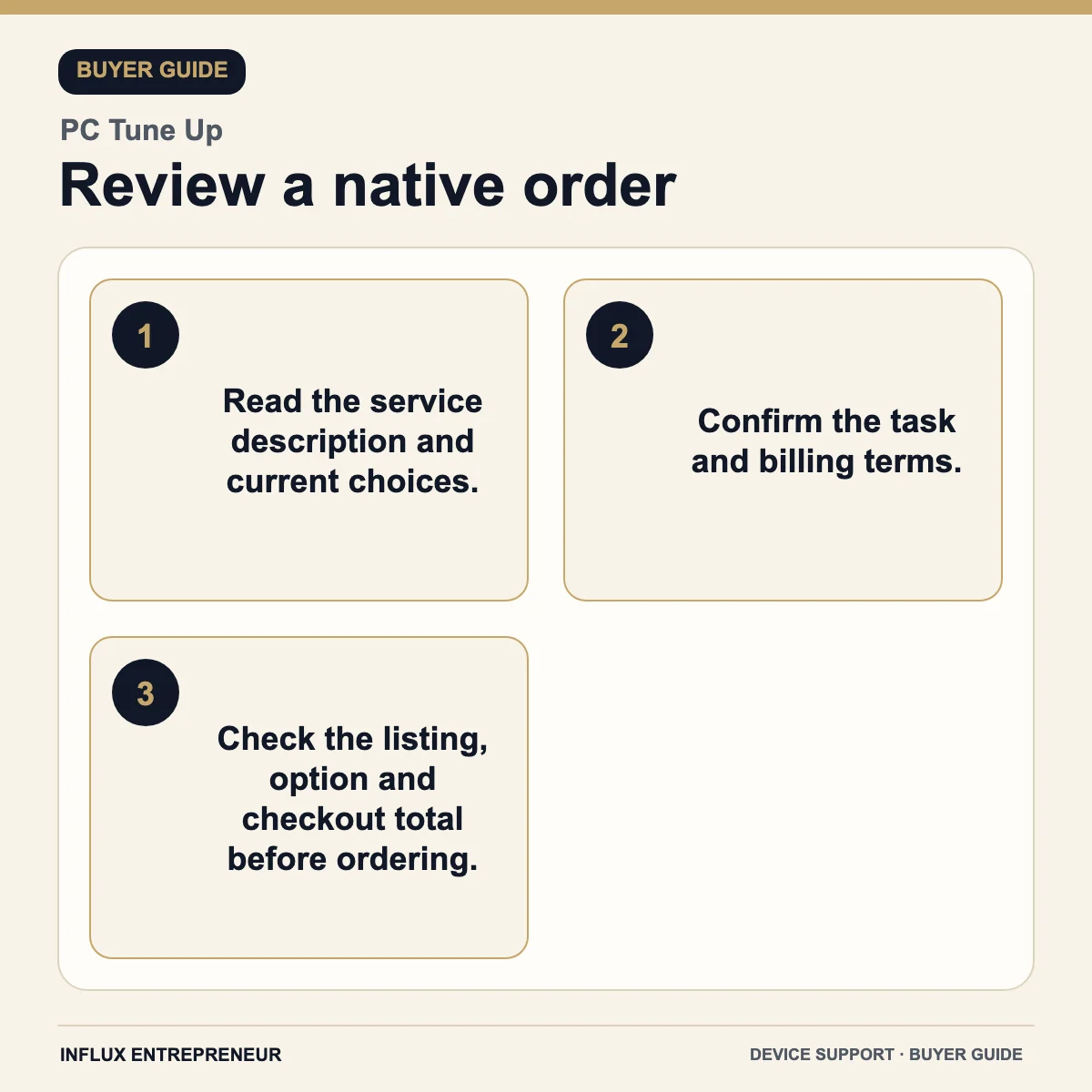
  1. Review the listing

    Check the selected option, availability, price and any recurring charge.

  2. Check your cart

    Confirm items and quantities before continuing to checkout.

  3. Follow the order

    Open your customer account for order status and available downloads.

Review my cart

A paid order does not by itself confirm a booking time or a website launch. Follow the item-specific instructions and contact us if anything is unclear.

Choose a useful next step.

Compare current services and managed website plans, or start with a free checklist. Nothing is added to your cart.

Book a consultation Open full page

More ways to use Influx